
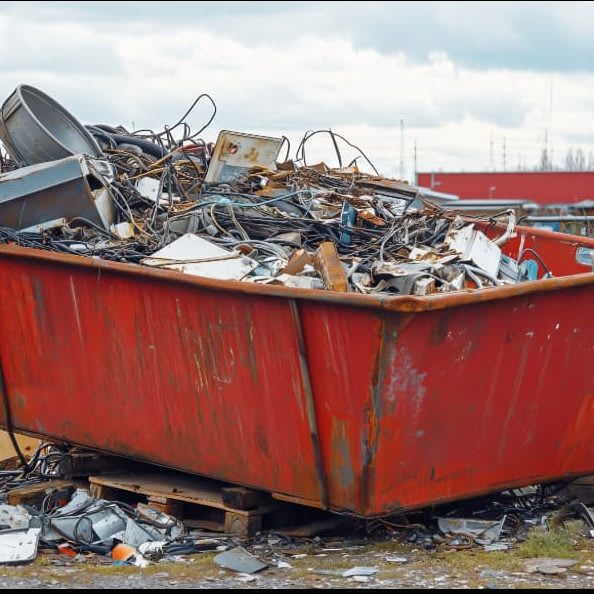
What Is Server Recycling?
Server recycling is the secure decommissioning of retired server hardware — repurposing, refurbishing or dismantling it under a documented process.
It differs from disposal in one respect that matters: every stage is recorded, so you can prove afterwards what happened to each unit.
- Sensitive business data destroyed under certificate
- Reusable components — RAM, processors, drives — recovered where viable
- Copper, gold and aluminium recovered from what remains
- Hazardous fractions routed to controlled disposal
The Real Cost of Keeping Outdated Servers
Old hardware is rarely free to keep.
It draws disproportionate power for the work it does, occupies rack space and cooling capacity, and increasingly runs firmware that no longer receives security updates — which makes it the softest target in the room.
There is a data exposure too. A server that has not been decommissioned has not been audited, and nobody is certain what is still on its drives. That uncertainty is itself the risk.
Benefits of Server Recycling
Beyond removing the risk, decommissioning returns value.
Enterprise hardware holds market value longer than consumer equipment — a fleet of three or four-year-old rack servers is frequently worth considerably more sold as working assets than as metal.
It also produces the compliance evidence a bulk consumer needs under the E-Waste Management Rules: a recycling certificate from an authorized recycler and a data destruction record tied to specific serial numbers.
How to Plan a Server Decommissioning
Survey first. Identify what is genuinely live, what is redundant and what is simply forgotten — most estates contain more of the third category than anyone expects. Then sequence the work around your cut-over so nothing in service is touched.
- Audit and asset-tag every unit before anything moves
- Decide the destruction method per drive type — shred, degauss or crypto-erase
- Confirm your recycler's authorization before award, not after
- Schedule staged visits where a site cannot be cleared in one
- Reconcile the final report against your asset register
Do Not Degauss an SSD
One technical point worth stating plainly, because it is a common and expensive mistake. A degausser erases magnetic platters.
It has no effect whatsoever on flash memory, so an SSD run through one is entirely intact — and a destruction certificate covering it is worthless.
SSDs need physical shredding or a verified crypto-erase. Any competent vendor identifies drive types on arrival and applies the right method rather than treating every disk the same.
Our data destruction service logs each drive by serial and records the method applied to it.
Decommission Before It Becomes a Problem
Old servers are rarely free to keep. They draw disproportionate power, occupy rack and cooling capacity, and run firmware that no longer receives patches.
The bigger exposure is data. A server that has not been decommissioned has not been audited, so nobody is certain what is still on its drives.
Enterprise hardware holds value longer than consumer equipment — ask for an asset valuation before accepting a scrap price.
And never degauss an SSD. It erases magnetic platters and does nothing whatsoever to flash memory.